The zero click
offline file converter.
Hold Shift, drag, and drop. Turn files into the formats you need without breaking your flow. Everything happens locally on your PC.
Free and open source. Windows 10 and 11. No account, no upload, no telemetry.
Pick up any file.
Hold Shift while you drag it. Mandarin opens right under your cursor, so there is no window to find and no app to switch to.
Every way it can open.
404 conversion routes across images, video, audio, PDF, subtitles and archives, each one a flick away. Add Alt and the same wheel turns into 15 file tools.
Let go. It is done.
The converted file lands next to the original. Nothing was uploaded, because Mandarin contains no code that could upload it.
Try it on this page
Now you try.
A desktop in miniature. Pick up a file, hold Shift while you drag to open the convert wheel, add Alt for the tools, then release over the option you want. Images are really converted, in your browser, and never leave it.
Drag one of your own images onto the desktop and it becomes a file you can convert. The Windows app does the same for video, audio, PDF, subtitles and archives, with FFmpeg, Magick.NET and PdfPig doing the work locally.
Hold Shift and Alt for the rest.
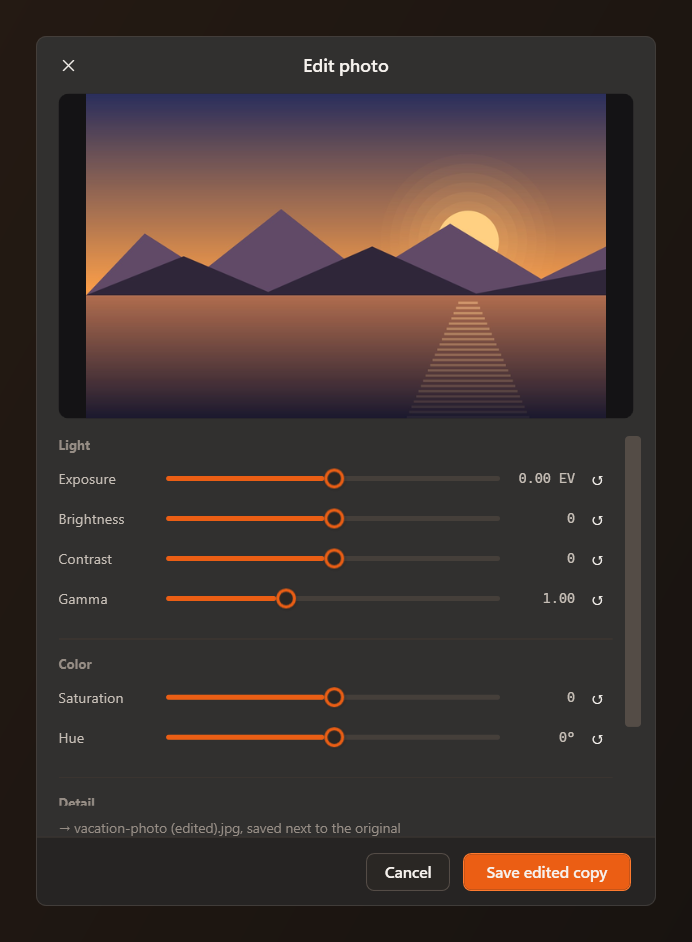
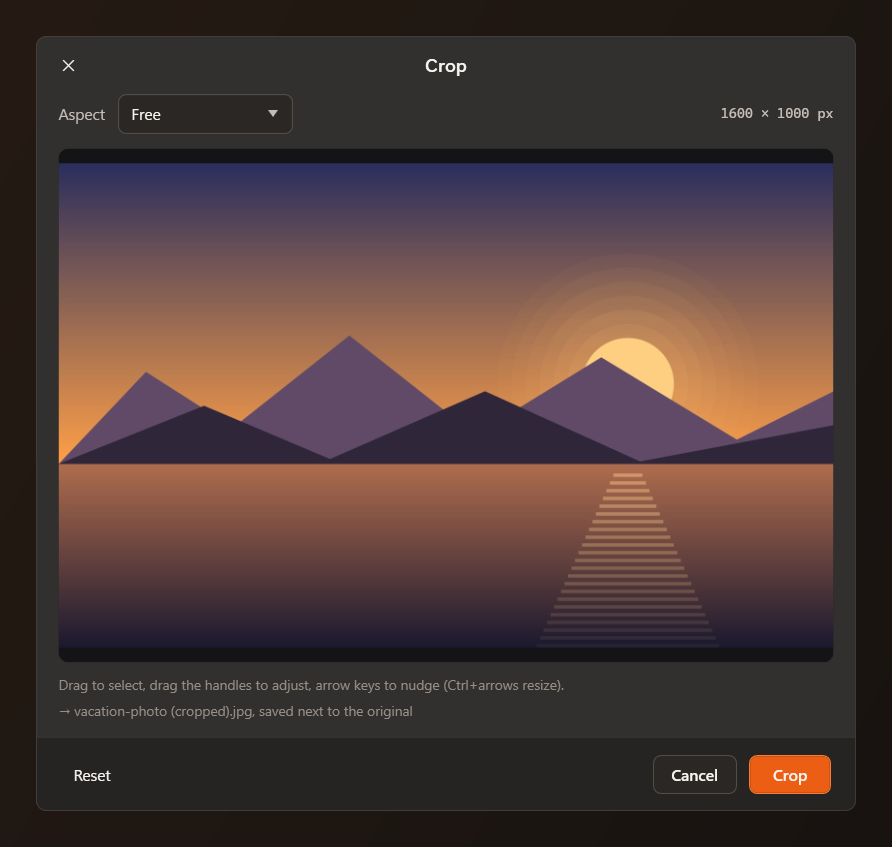
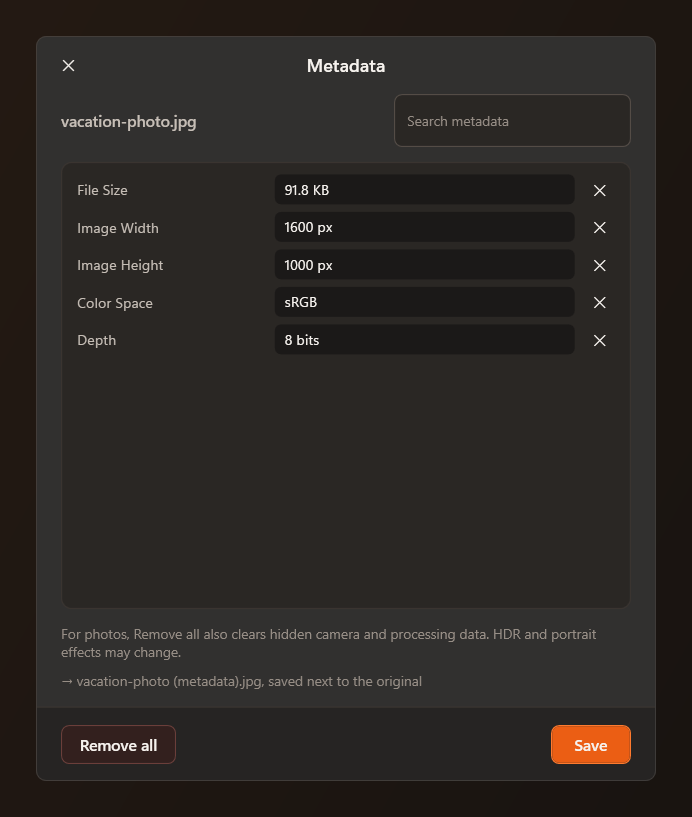
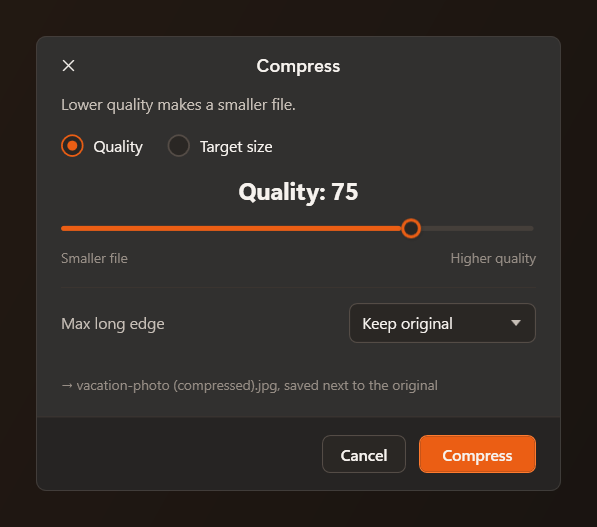
The same wheel switches to the tools that make sense for the file you dropped. Every dialog shows the exact file it will write before you commit.
Also on the wheel: trim, split, redact, strip metadata, merge, and batch conversion of a whole selection.
38 formats in.
32 formats out.
Every row is a real route in Mandarin's converter registry, counted from the code, not a wishlist.
- Images
- JPGPNGWebPHEICTIFFSVGAVIFBMPGIF
- Video
- MP4MOVMKVWebMAVIWMVGIF
- Audio
- MP3M4AWAVFLACOGGOpusAIFFWMA
- toDOCXJPGPNGTXT
- Text
- TXT toPDFJPGPNGSRTVTT
- Subtitles
- SRTVTTTXTin every direction
- Archives
- ZIPTARGZIPand RAR extraction
Your files stay on your PC.
Online converters need you to upload a copy of your file. That puts private documents, photos and metadata on a server you do not control.
Free & Open Source.
Ready in seconds.
Choose the setup installer or the portable single executable. No .NET runtime needed, no admin rights, nothing written outside your user profile.
- 404 conversion routes and 15 advanced file tools
- Convert, compress, crop, trim, split, redact and merge
- Shift / Shift+Alt radial wheel with live OLE drag detection
- Files processed 100% locally on your PC, never uploaded
- Light & dark themes, English and Turkish support
- Open source on GitHub, zero telemetry, no account required
For Windows 10 and 11 (64-bit). Video and audio need a local ffmpeg.exe, which Mandarin never downloads for you.